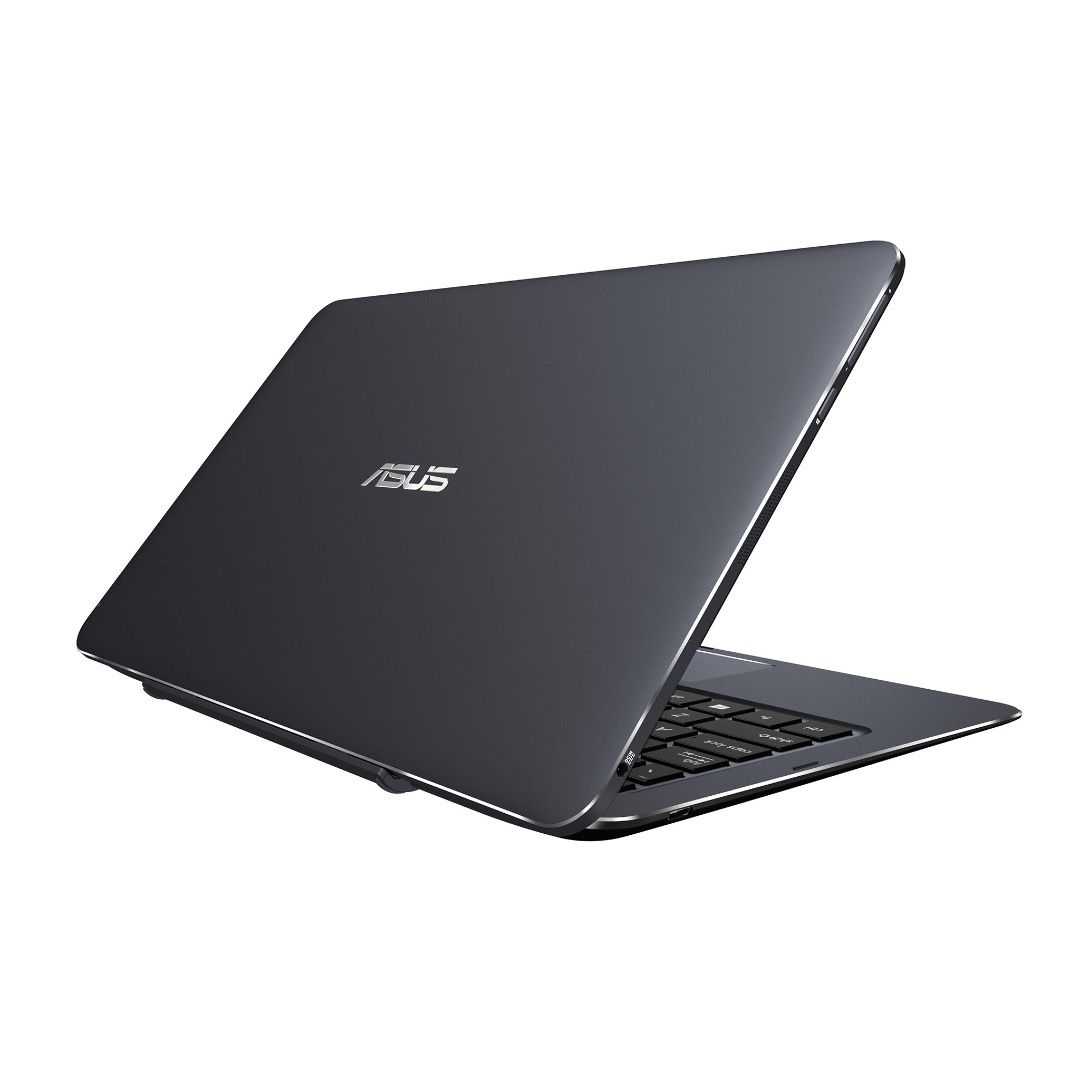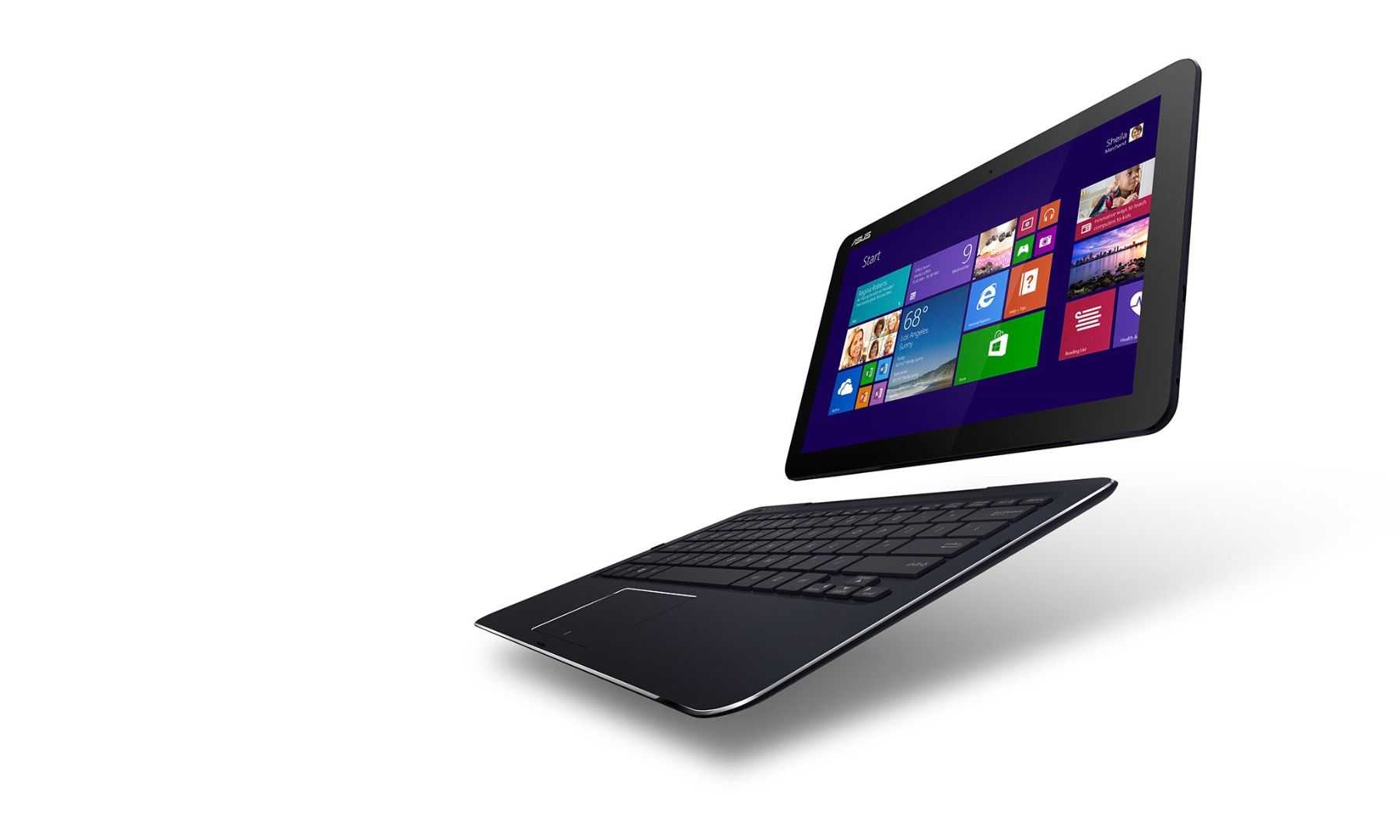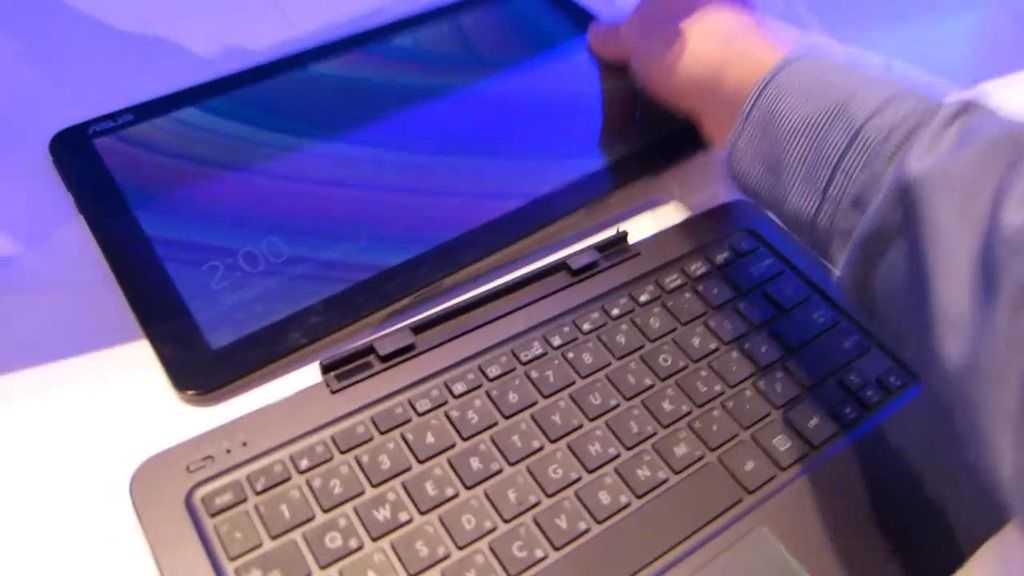

Cheesy headline aside… the second Asus Eee Pad, the Slider, is marching toward a US release as Wireless Goodness points out.
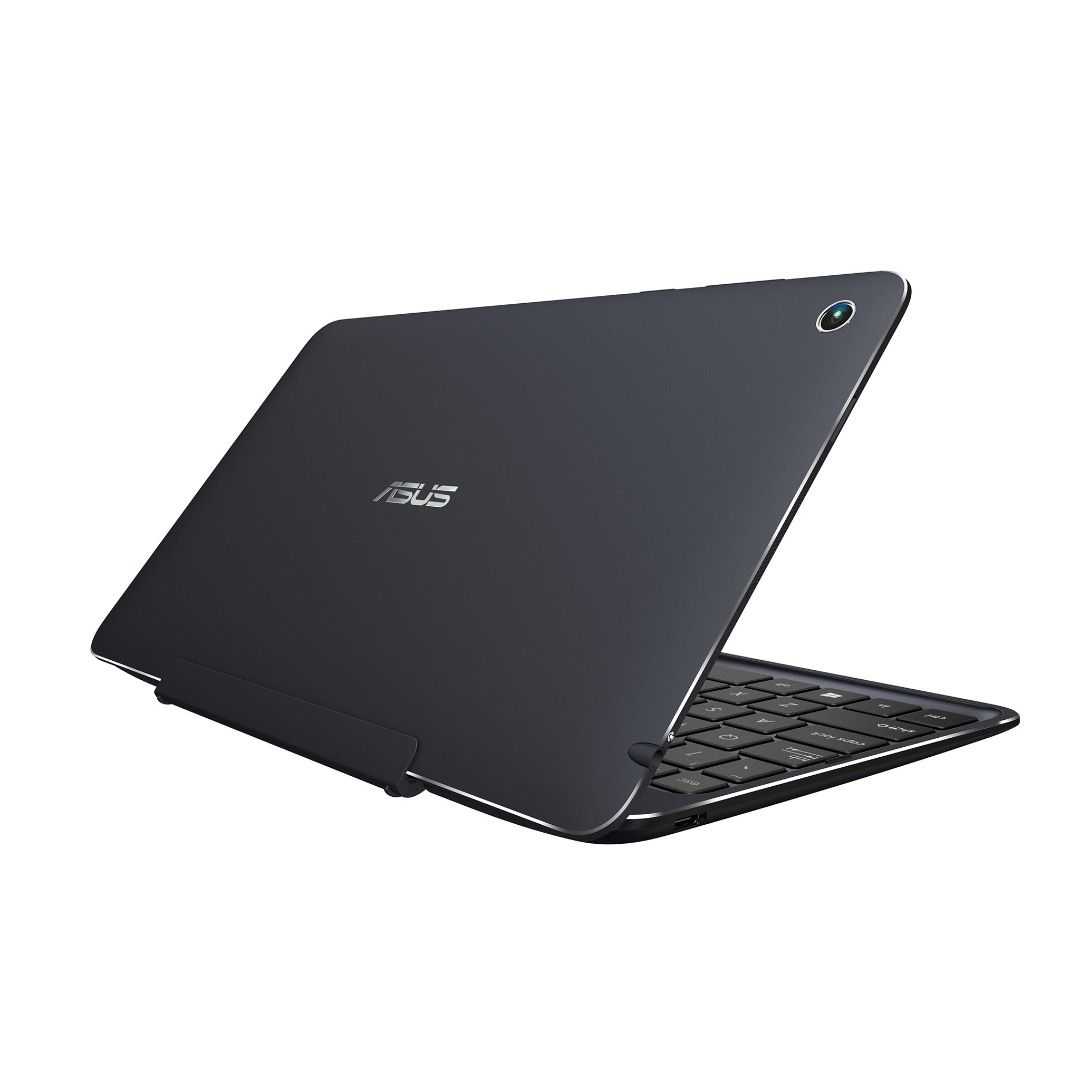
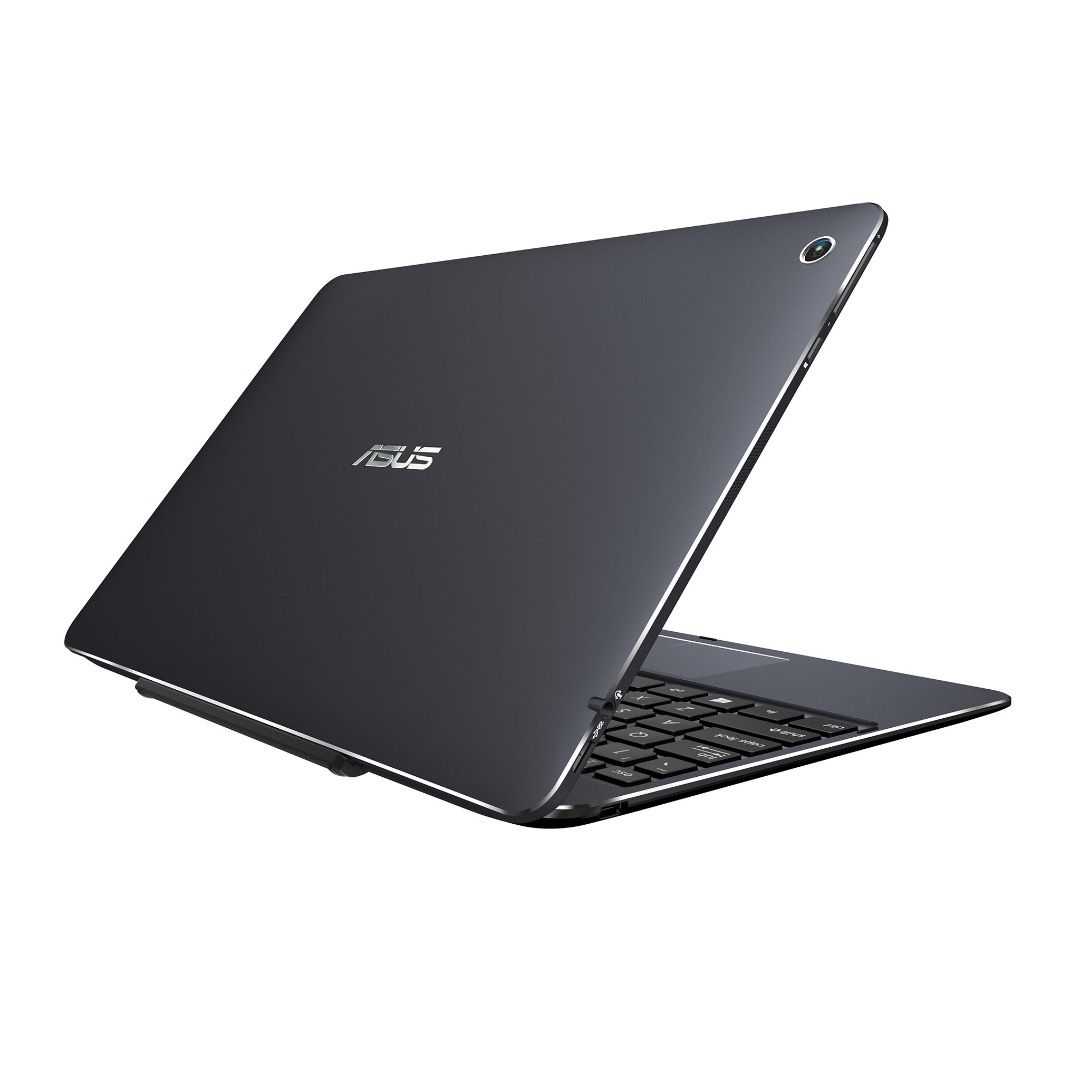
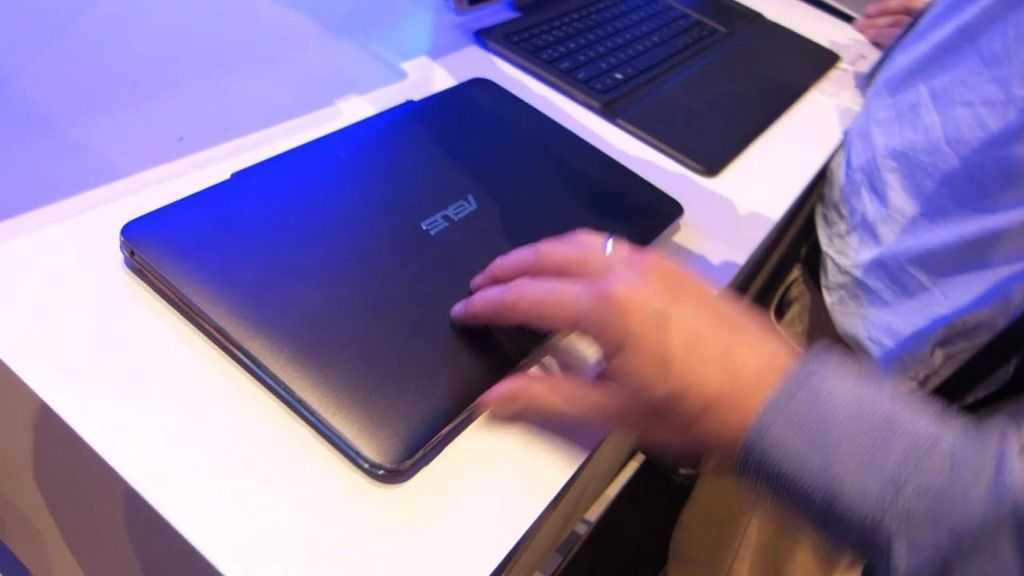
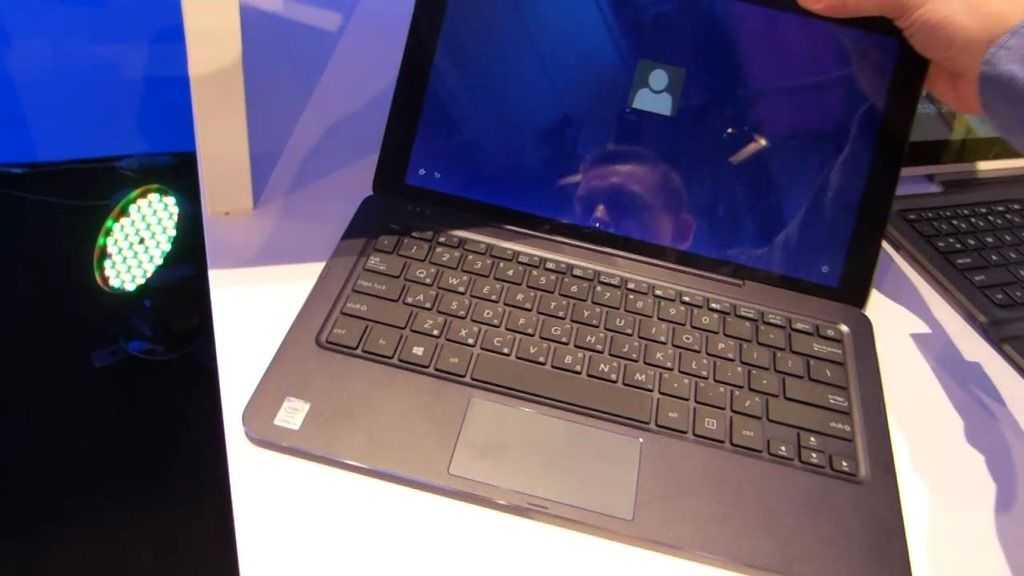
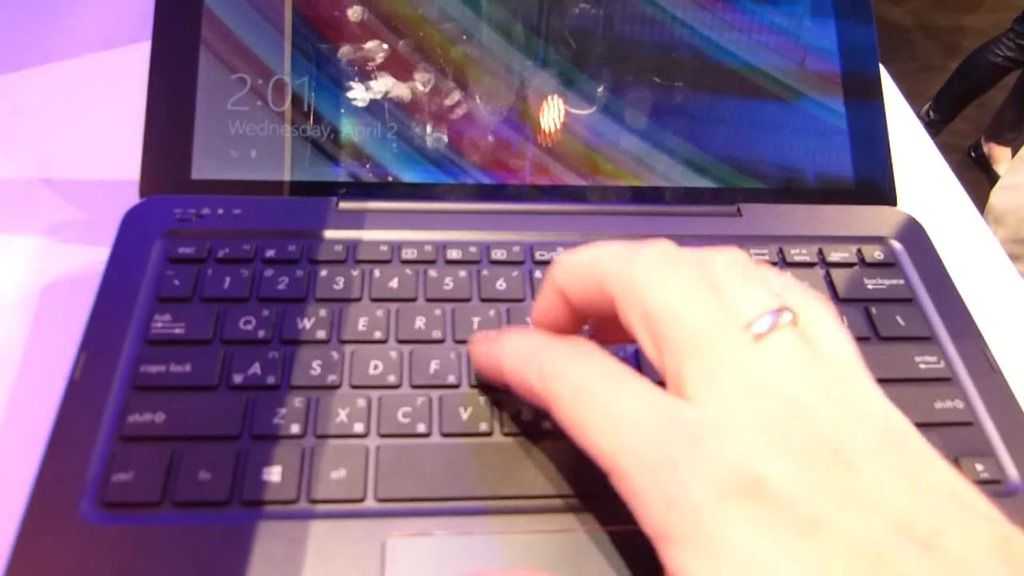
The 10” tablet was recently caught attempting to tip-toe its way through the FCC. The Eee Pad Slider is another keyboard-equipped Honeycomb-running Slate like the Eee Pad Transformer. While the Transformer’s keyboard actually detaches, the Slider goes for a different approach by allowing the screen to slide up to an angle, revealing the keyboard beneath. Despite having a full-blown keyboard, the Eee Pad Slider is still an impressive 13mm thick!
Thanks to positivereports of the Asus Eee Pad Transformer, the Slider definitely piques our interest and we’re looking forward to seeing what it can do. By showing its face at the FCC, it’s passed an important hurdle to US release, we’ll definitely be letting you know when we hear more about this svelte looking machine!
I stumbled on this pretty cool widget for the Asus Eee Pad Transformer [tracking page] that allows you to monitor both the tablet battery and the keyboard docking station battery. Asus didn’t actually give us any way to keep track of the charge in the dock other than a blinking LED which is next to useless. It basically turns green when charging, amber and amber flashing when being used and doesn’t light at all when empty. Not very helpful. This widget shows the percntage status of both batteries, right on your homescreen.
It was developer by an Android developer and is available here:
It works as advertised and has a cool feature which only shows the battery status for the dock when you actually have it docked. It’s not from the market so you will have to download the .apk file and setup your Transformer to allow installs from third party providers (via your settings).
The widget is resizeable, and while the developer mentions advanced options to change text size and more I haven’t worked out how to do that yet; let us know in the comments if you have any luck!
Damian and I are at it again with another indepth review of the Asus eeePad Transformer and this time, we decided to throw as many USB goodies at the Transformer [tracking page] and keyboard dock as possible in an attempt to defeat it.
The USB selection included a Samsung USB keyboard with a trackpoint, a rather ancient looking Microsoft USB mouse, an USB Flash drive, a Sarotech ABIGS multimedia hard disk enclosure and a USB SD Card reader.
This video segment was totally unscripted and thus the we were genuinely surprised and excited that the Transformer worked and functioned with every USB device tested.
This is good testimony that the Transformer and the keyboard dock accessory is a real contender to replace the netbook as most of the common USB devices that we rely on for everyday computing will function on the Transformer.
Damian also commented that Asus will be releasing some useful Transformer adapters (including USB) for the tablet really soon which means you won’t need to get the optional keyboard dock in order to tap into the USB goodness!
The next challenge we had for the Transformer was hooking it up to a LCD TV via the HDMI out connection.
There were no issues with getting the display mirroring working albeit a ‘gremlin’ moment when the LCD output display froze — this was rectified by detaching and reattaching the HDMI connector on the Transformer.
We tested video playback using 2 sets of 720p and 1080p video files and playback was disappointing on both the tablet as well as the LCD TV display out – both audio and video were terribly choppy and experience dropouts. This was encountered even after the latest Android system update which promised performance improvements which certainly weren’t evident in the video playback.
The system update did deliver some new cool features such as video editing application but that is review for another day, so stay tuned for that!
Damian was lucky enough to get his hands on an Asus Eee Pad Transformer as well as the keyboard dock directly from Taiwan and we dedicate this video exploring the Transformer’s design and ergonomics with comparisons against an array of others tablets that we have handy at that time, including my beaten up, original Transformer, the HP TC1100 tablet pc.
Overall we were happy with the design and ergonomics of the Transformer and the keyboard dock provides a plethora of connector ports including HDMI, USB, and SD. The keyboard also had an in-built battery which, when docked with the tablet, provided around 16 hrs of useable battery life.
The presence of this battery made the dock almost as heavy as the tablet; the combined weight of the Transformer and dock puts it past 1kg, making it possibly a little heavy to carry around.
I managed to whip off a quick video showing some of the enhancements for the Eee Pad Transformer delivered by the Android Honeycomb 3.1 update. I bought my Eee Pad from Taiwan and the hardware identifies it as Taiwanese hardware so I think I got the update earlier than devices from other Countries.
Asus claim some performance increases and reliability improvements but they’re not that noticeable to me as I thought it was pretty responsive on 3.0. They have added some new apps including a video editor and the Kindle app. There’s still patchy support for video codecs with no improvement on its ability to play a variety of formats and I haven’t found any HD video files it can play without skipping yet.
Overall an improvement especially with the new apps but I would still like to see more video format support, especially now that we can edit videos on the device.
JKK of JKKMobile has his hands-on video up and he takes us round the Asus Padfone explaining the technology behind the dock and the phone. It’s basically an HDMI screen and USB extender that also provides charging from a built-in battery. There’s an audio, mic and USB port extender too.
Pocketnow has uncovered images of the unique tablet/smartphone combo and they expect to see official information about the devices out of Computex tomorrow.
There’s not a lot of hardware info yet, but I really hope Asus is on to something here; I’d love to see more companies doing this.
Why? I actually sold my original iPad a few months back because it didn’t really have a place in my life. As an iPhone owner, having a 10” version of a device running the same OS felt redundant. I can imagine that Android phone owners have a similar feeling. However, there are times where a larger screen is useful. Showing pictures, for instance, is great on a tablet (especially if their geotagged); local multiplayer gaming is also great on a big screen, but such use isn’t common enough for me to be able to justify a whole separate tablet. If I could just drop my iPhone or Android device into a larger and higher resolution screen, that could also take advantage of apps designed for such a screen, it would make the device much more flexible as I could choose when I want the large screen and when I want the device to be pocketable.
If Asus can combo a tablet-dock and a powerful smartphone together for a reasonable price (reasonable, in this case, being cheaper than buying a separate smartphone and tablet) then they could really make a splash with this form-factor. I, for one, am hoping that this takes off!
Now just imagine if the Padfone smartphone/tablet had a dockable keyboard….
Remember that Asus Eee Pad Transformer live session we were going to have next Friday? Amazon just sent me an update on the estimated delivery date.
“Asus EeePad Transformer TF101 10.1 inch Tablet PC (nVidia Tegra2 1GHz, 1Gb, 16Gb eMMC, WLAN, BT, Android 3.0) with docking station and keyboard Estimated arrival date: June 01 2011″
June!
It could be that Amazon UK are getting less stock than originaly intended and that some orders will go out, but not mine. If that’s the case though, why is the next shipment going to take 6 weeks?
I’ll be cancelling the order for the time being. If anyone sees the Transformer, with dock, available in the UK in the next week, let me know!
Posted from WordPress for Android with the Galaxy Tab
I’m a smartbook fan. I want to see the netbook form factor extended right down into the mobile operating space by including always-on, location services, sharing, dynamic user interfaces, a huge app store and access to music, video and books as well as apps.
I also want to see the applications on the mobile operating systems mature to the point where I can run my business on them and right now, one of the most interesting mobile operating systems, and one that has made more progress than any other crossing the chasm into productivity and desktop worlds is iOS. The problem is, I don’t like the restrictive nature of iOS products for productivity work so I’m personally very excited about where Honeycomb is going.
I’ve tested Android 1.x on the clamshell Compaq Airlife 100 and 2.x on the Toshiba AC100 so to follow-on I’ve ordered an Asus Eee Pad Transformer which is running 3.x. Not only will this be a great smartbook test, it will also be the first 10” ARM-based tablet that I’ve owned. With the Galaxy Tab so woven into my daily life, it will be interesting to see if the Transformer has any impact there.
Through my social circle I see that there’s quite some interest in the Transformer. I think we all know it’s NOT going to be a business device from day one but the point is, it’s an important device to test and one that could mature well through 2011.
I’m unlikely to be one of the first to get one as high-street availability has already been confirmed in the UK and I won’t be picking mine up until next week when I visit my folks in the UK.
Naturally I’ll be setting up a LIVE REVIEW for when I get back home and this is provisionally planned for Friday 22nd April at 2100 Berlin time. We’ll go over the device and run through some Honeycomb tests, video playback tests, battery life tests and a whole suite of application tests including some productivity applications. I’m also interested to see how the USB host functionality is implemented.
I paid 429 UK Pounds for the 16GB version with docking station that should start to ship on the 18th. That’s not cheap compared to the Toshiba AC100 but it’s a reasonable start price. You’ll see this for 25% less in a very short period of time I’m sure. There’s no 3G though so it means I’ll be carrying my MiFi or, strangely, the Galaxy Tab as a 3G hotspot.
16hrs battery life in 1KG is a stunning runtime figure but if the OS and applications can’t deliver, those 10 extra hours are worth nothing!
Stay with me, here on Carrypad, for testing next week.
Friday is turning out to be a good day. The iPad 2 launches in Europe (although I still don’t see any official pricing in Germany) and it’s my Birthday. Now, I hear that the Eee Pad Transformer is launching too. Decisions decisions!
The Eee Pad Transformer is an interesting product because it takes the idea of the smartbook one step further. It uses the Honeycomb operating system (which could enable a far superior laptoping experience than 2.x ever did) and it uses a keyboard mechanism that can be un-docked to allow tablet-only usage.
I tested the Transformer out at mobile world congress in February (video below) and wasn’t too impressed with the weight but full USB ports made me wonder if ASUS are building some nice USB hosting capabilities. The weight with the dock also seems a little over the top. With connectors and an additional battery in the keyboard unit, I’m expecting the total weight to tip 1KG. The unit I tested wasn’t running Honeycomb.
Pricing has me a little worried. The price for the tablet seems OK at 399 Euro although confirmation is still needed on storage and 3G capability. 32GB and 3G included is what I’m assuming at this stage. The price of the dock could add 120 Euro to that. The price isn’t too bad when compared with high-end tablets but when compared with the Tegra-2 based Toshiba AC100 smartbook (under 300 Euro with 3G) you get the idea that there’s a huge margin being added here and that the price should come down by at least 100 Euros over time.
The March 25th launch is for Taiwan only at this stage and will only include pre-order. Actual availability around the world is still unknown but we’ll probably hear more on Friday.
Targeted for end of May with a €499 entry price, this is the Asus Eee Pad MeMo running dual-core, 1.2Ghz Snapdragon and showing the Bluetooth handset. Voice apps also feature on this device.
Posted from WordPress for Android with the Galaxy Tab
I’m here at the Asus booth standing over (as I type) the Eee Pad MeMo. Asus also have the specs which show a 1.2 Ghz dual-core Snapdragon, a 380gm weight, array mics and voice capability. The voice capability has been extended out to a mini handset via Bluetooth some proprietary protocols. It’s a great idea!
Planned launch is planned for the run-up to Computex at the end of May. Pricing for the base version is €499 but the full-fat version with handset comes in at €699
Posted from WordPress for Android with the Galaxy Tab
The Eee Slate is the only Windows based product of the bunch but comes packed with a 1.33Ghz Intel Core i5-470UM processor, 2 or 4GB’s of memory and either a 32 or 64GB SSD drive. The 12.1” (1280 x 800) IPS display is capacitive multi touch but also includes a Wacom digitizer for pen input using the included stylus. For a svelte 1.1kg it certain packs a punch and should move Windows 7 Home Premium along nicely.
This 7.1” Android 3.0 aka honeycomb tablet packs a 1024 X 600 capacitive touch display and also includes a stylus. The dual core 1.2GHz Qualcomm 8260 processor is capable of pushing out full 1080p footage through the devices mini-HDMI port. Front and rear cameras grace the device, the later with a flash.
The Eee Pad Transformer comes with a neat detachable keyboard for use as a tablet or a netbook style device. Packing Nvidias Tegra 2 processor, it too is capable of 1080p output via a mini-HDMI port and the 10.1” 1280 x 800 IPS screen is capacitive multi touch. All this combined with 16/32/64GB storage options, front and rear cameras and Android 3.0 should mean this could be quite the convergence device.
The Eee Pad Slider is specification wise, much the same as the Transformer, although only 16/32GB storage options will be available. What could be a great form factor for you tablet lovers who demand a keyboard, this comes with a slide away keyboard for the best of both worlds. Weighing a little heavier that the transformer its still well below 1kg and again comes packing Android 3.0.
All the products are now in the database and more images will be added soon.
UPDATE: Thanks to jkkmobile here is some video of the Transformer and Slider in action.
If you’ve read the live blog of the ASUS event today you’ll be aware that 4 devices were launched. It’s interesting to note that there were no traditional netbooks launched which indicates a mainstream status (some will call that ‘death’) of the netbook. What ASUS are doing here is looking for new form factors and operating systems for the 10” category and this Eee Pad Slider [product tracking] is one of them.
Priced at $499 – $799, this looks to be a rather good variant of a ‘netvertible.’ In fact, it’s more of a ‘net’-vertible than many other devices we’ve seen. Honeybcomb makes sense here. Tegra 2 should be no surprise. Congratulations to Nvidia for becoming the platform of choice for that version of the OS!
We’ve talked about this before with the Toshibas AC100 and Compaq Airlife 100. It’s the crossover of the smartphone operating system into productivity land.
The launch timescale of May alligns with Honeycomb. All that remains is the critically important task of getting quality tablet and productivity apps out there.
Back at Computex Asus announced two new tablets, a 12 inch touting Windows 7 device called the Eee Pad EP121 and the Windows 7 Embedded, 10 inch EP101TC. Windows 7 Embedded runs on the Windows CE platform which Microsoft isn’t pushing as a finalised tablet ready operating system but instead a base in which OEM’s like Asus can create their own user interfaces for.
Well today Netbook News reports that Asus has decided to ditch Windows 7 Embedded in favour of Android.
Which version of Android is still a mystery although rumour has it that it could possibly come with Android 3.0, also known as Gingerbread. If that is to be the case the earliest we would see this device is Q1 of 2011, although with Gingerbreads rumoured support for higher resolutions, this would tie in nicely.
This is an interesting one. The design looks slim, working and, well, almost complete! Intel’s reps tell us that it’s just a prototype and maybe this is something ASUS worked on before they decided on the 12” Eee Pad that we saw at the ASUS press conference but we like it and hope they pursue it on the Oak Trail platform in 2011. It looks like it’s currently on the Menlow platform.