Update: It is possible to install Windows 10 on an old, non-updraded Windows 8 PC, with an embedded Windows key, for free. I’ve had one successful case of doing it with the Acer E11
When I reviewed the 270-euro Lenovo Ideapad Flex 10 recently I knew it would be a great candidate for an SSD upgrade. This fanless, touchscreen hybrid is the very model of a modern casual portable laptop but it was fitted with a really poor quality hard drive that was obviously holding the system back. After completing the SSD upgrade yesterday I can report that the difference is amazing. Applications are starting in half the time, the PCMark score is up 70% and the system works as it should. No more drive activity slow-downs and a huge lift in the user experience. I’ve done a lot of SSD upgrades over the years but this one is probably the most impressive.
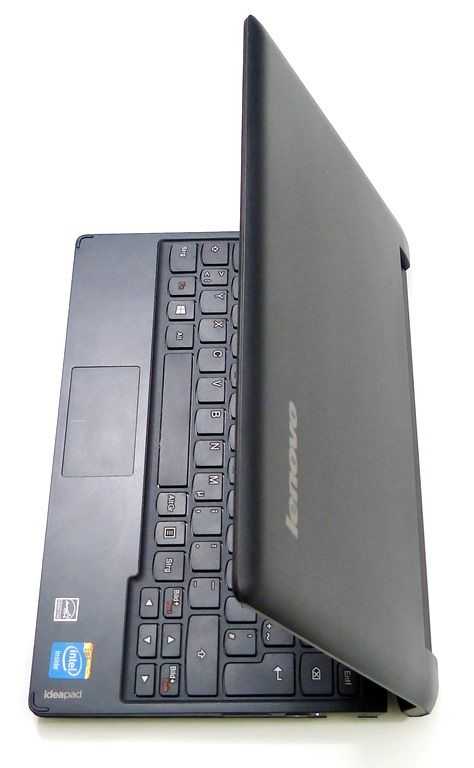
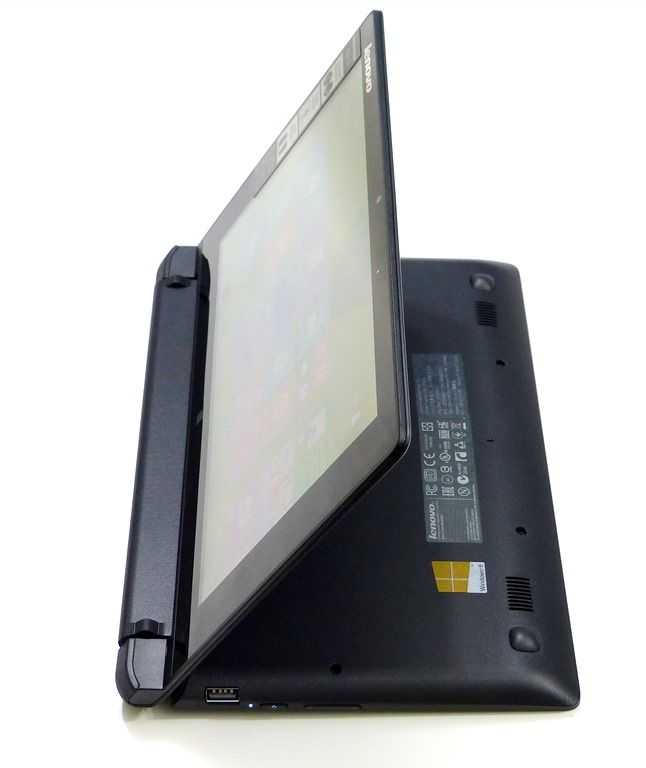
The Lenovo Flex 10 has a 270-degree fold-back screen. Stand-mode is very useful.
I’ve dropped a MydigitalSSD BP4 in as a test (I had it from a previous test I did with an Acer V5) but you can shop around for a good deal. On Amazon.com there’s an offer on the 7mm 128GB Sandisk SSD that would be perfect for this. $69.99 is a great deal. [Affiliate link.]
Over 40X improvement in the very important 4K write speed. Superb result!
In a PCMark test the device scored 70% better. 1521 with HDD, 2579 with SSD. Application start-up times are drastically reduced. DriftMania started in 10 seconds compared to 21 seconds with the HDD. Lenovo Photo Show started in 5 seconds (11 with HDD.) Facebook, IE, Chrome and Paint also started about twice as quick. Battery life has probably been improved too but I haven’t tested it yet. Considering the heat that was generated by the HDD and the time it took to get things done there’s going to be a clear real-world difference in how much you can get done on this. Silent operation is a dream too. I’ve connected a USB3.0 docking station and I’m writing this with external screen, keyboard and mouse and it’s a very nice way to write.
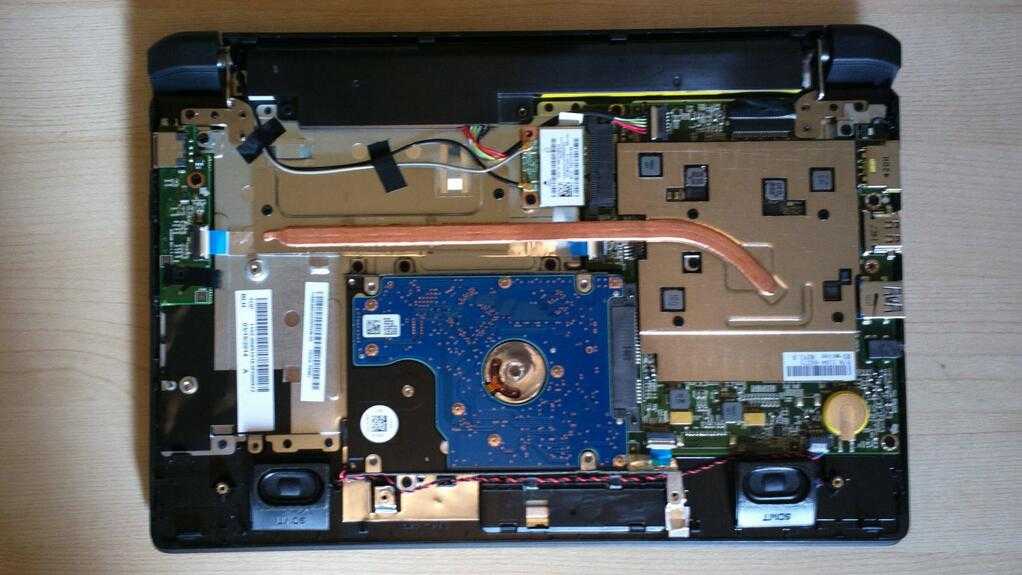
Inside the Flex 10. RAM is soldered. No fans. Disk and WiFi module are easy to remove
How to upgrade to SSD on the Lenovo Flex 10
To do the upgrade you’ll need a USB recovery drive (create using Windows 8 tools on a 16GB USB stick or CDROM.) I chose to use an external USB 2.5-inch SATA adapter so that I could do all the imaging on a faster PC. Obviously you will lose your warranty and there’s a possibility of failure or breakage so take care and own the risk!
Reduce partition size on C: to bring total disk size into range of SSD. Use Windows 8 disk manager to shrink the volume. (Ideally do a system restore to factory setup beforehand.)
Remove back of Lenovo Flex 10. This is a little tricky. Two screws are hidden under the rubber feet and one has a seal that will need to be broken. You lose your warranty at this point. You can use a thumbnail to carefully prise the unit apart. It takes time and care, especially at the front corners, but it’s certainly not a sealed unit.
Remove hard disk. It’s an easy 4-screw removal process. (Note: You can upgrade the WiFi too. The basic 2.4Ghz single channel unit has good reception but would benefit from a dual-channel upgrade IMO.)
Put hard disk in 2.5-inch USB3.0 adapter.
Take Acronis TrueImage disk image of hard drive. (Took 40 minutes on a fast SSD-based Ultrabook using free 30–day trial.)
Remove drive from adapter and store with care
Insert SSD into adapter.
TrueImage disk copy the saved image to the SSD drive. (You might get an error saying it won’t boot but you can ignore that.)
Remove disk from adapter and install in Lenovo Flex 10
Enjoy
There are still clear limits with this setup. The Lenovo Flex 10 doesn’t have a powerful CPU and that shows itself when you start using browser-based apps. Google Drive and the associated productivity apps won’t be much fun (Chromebooks are way more suited to this) but I suspect the free Office Home and Student will be a far better experience. GPU and video decoding power is pretty good though so you’ll be able to watch 1080p videos and play Windows 8 RT games without any issues. XBMC and Openelec work well. Read my full review, or my summary review video for more detail.
I’m a huge fan of the 270-degree fold-back screen (more so than the 360-degree fold-back) and a huge fan of ‘lightweight’ computing. Based on what I’ve seen with the Flex 10 there’s scope for Lenovo to make a seriously useful Flex 11 with a quad-core Baytrail-M and a low-cost 64GB SSD. Until then though, this Flex 10 SSD upgrade has created an extremely well-balanced hybrid netbook that covers a wide range of activities. I’m keeping it.
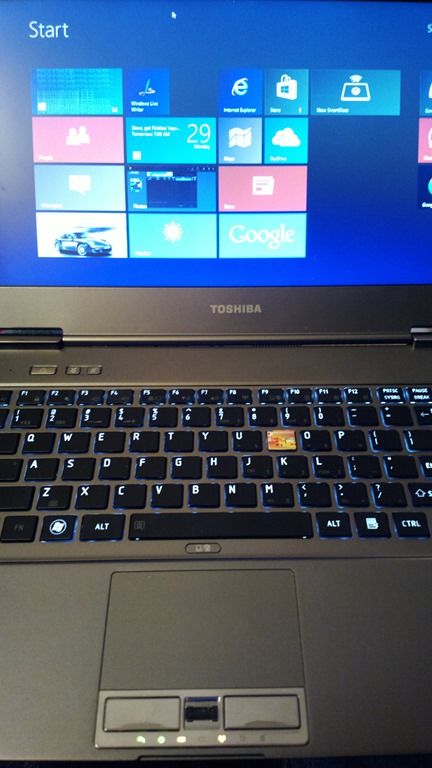
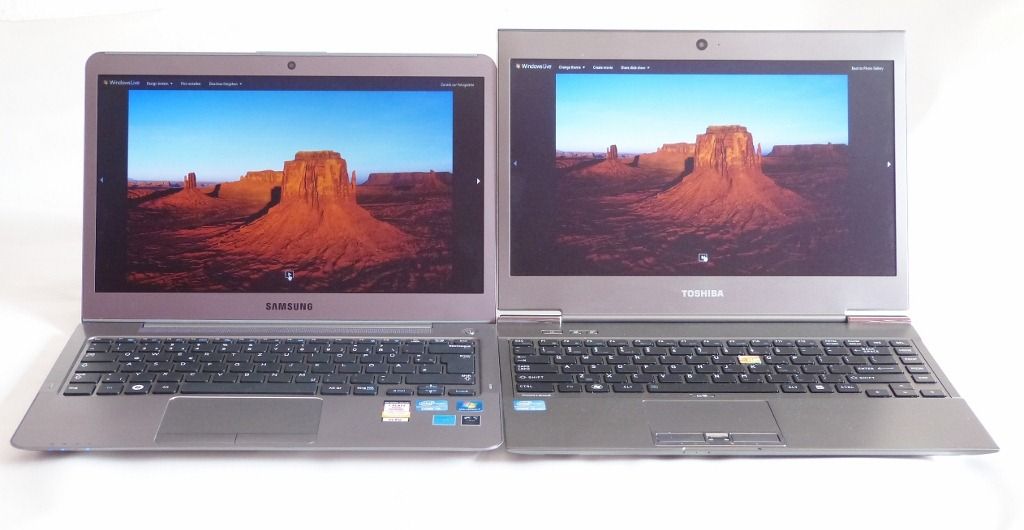
After spending a good two months with Windows 8 on the developer preview Touch Ultrabook I decided I was 100% happy with Windows 8 and that there was no reason not to upgrade the Toshiba Z830, a first generation Ultrabook. The upgrade was completed fairly smoothly although extra drivers, as always, are going to mean a bit of searching and a bit of luck with the installation order.
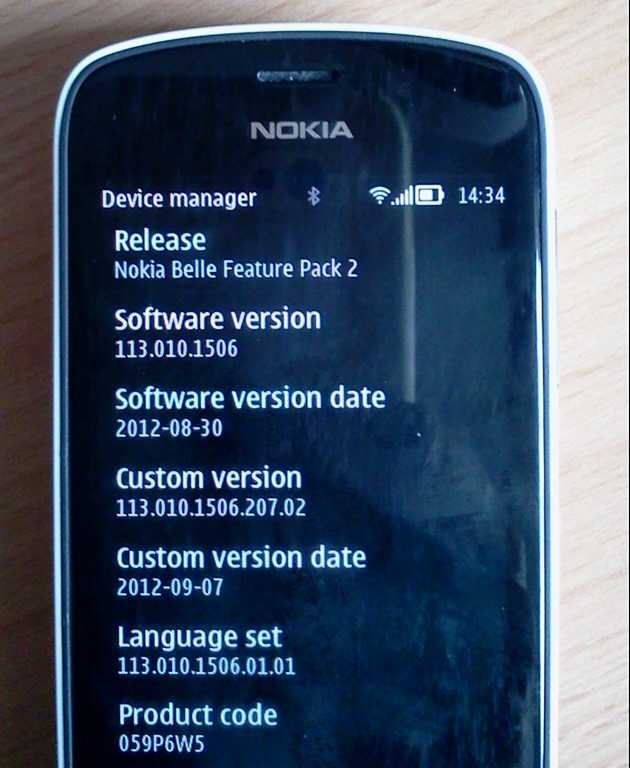
It’s just become available on my Nokia 808 (A generic UK version) and despite a few download restarts due to the damn WiFi dropping out (one of the known issues I’ll be checking for) it’s installed and updated without issue.
Go check your 808 for updates now (settings –> phone –> phone management –> device manager –> (menu) check for updates.
We’re happy with the Toshiba Z830 that Intel sent to us for a long-term loan. It’s a fast, lightweight and well-connected Ultrabook. We’ve already dropped in a 4GB RAM module to take it up to 6GB but there’s one more thing we can do to pimp it out – upgrade the SSD.
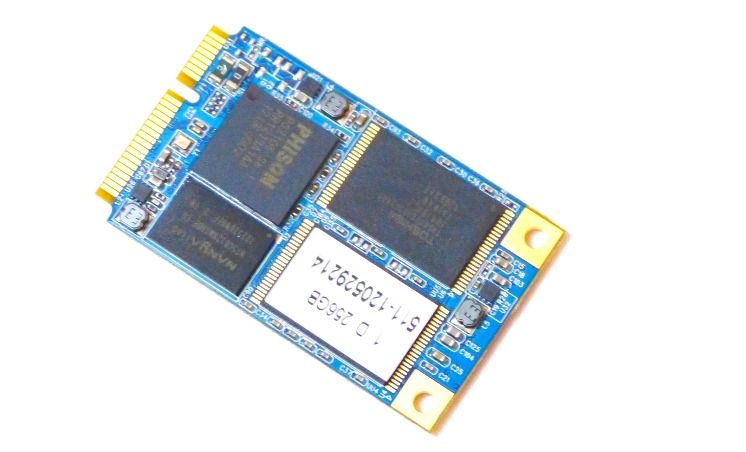
We contacted MyDigitalSSD with the plan and they kindly sent us a 256GB BulletProof mSATA SSD with SATA III interface. Not only are we going to see over double the usable space on our drive, we’re going to be upgrading to a drive that in theory can push 500GB/s through the bus.
This article will show you how to upgrade an existing SSD but before you start, here’s your checklist.
There was a lot of talk about new Ultrabooks at Computex this week but we shouldn’t forget that there are going to be a number of first-gen models that will get an Ivy Bridge upgrade. Given that they have all been well tested, it could be worth taking a closer look at some of these. In fact, keep an eye out for offers. We’ve already seen one or two coming in at low prices.
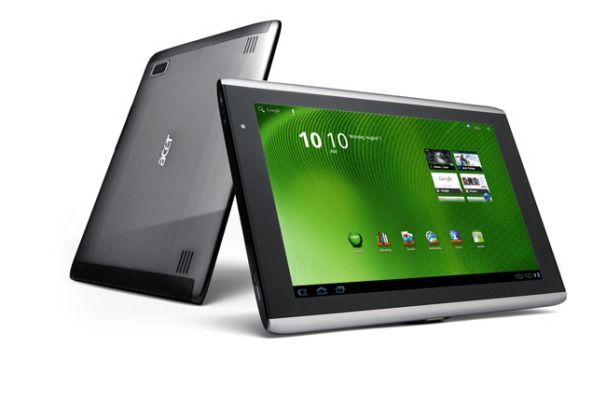
Good news for Acer A500 owners today and a relief to those that are worried about the ‘Android Update Alliance.’ There will be an ICS update coming soon.
There were already a few pointers that it would happen but nothing I could have put any trust in. This message from ACER USA, makes it clear.
To all Acer Iconia Tab A500 and A100 users, please expect an Ice Cream Sandwich upgrade in mid-April! Thank you for your patience.
April feels like a long way away but could be as little as 6 weeks. With Chrome for Android highlighting how important it is to get updated now though, I know how frustrating any wait can be.
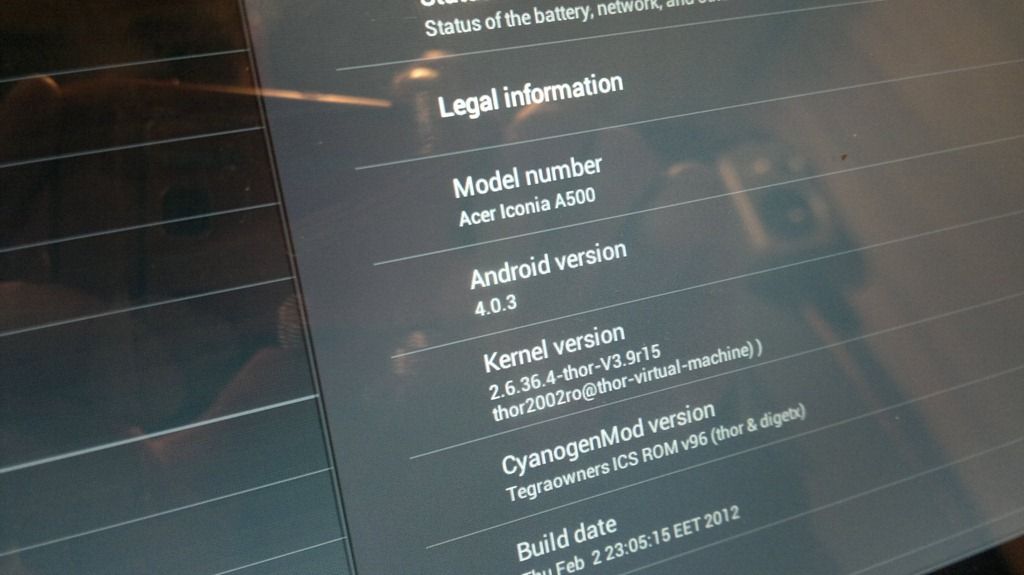
I’ve been testing ICS on the A500 for the last week via a Thor ROM. It’s given me the chance to see how Chrome for Android is performing and I have to say, it’s very good. The sync features are worth having and the quality of rendering and input handling means I was able to edit a post on the WordPress web-based tools, work with Google Plus and generally get productive with web-based applications.
Unfortunately the ROM isn’t that stable for me so I can’t really say I’m running with ICS. Stumbling more like!
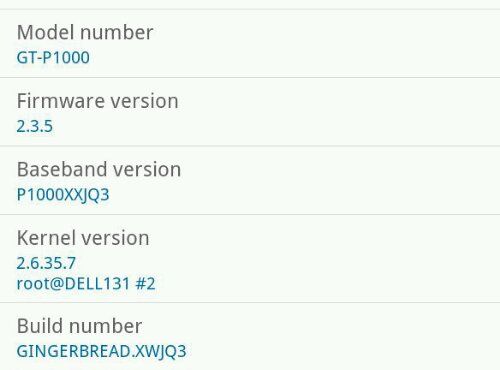
A few people noticed that I upgraded to 2.3.5 on my original Galaxy Tab 7 and wanted to know how. Apparently the upgrade is rolling out and UK and NL owners of some variants have received the update through the standard Kies software. Try that first of course (you can download it from Samsung) but if you’re desperate to get it you’ll have to take the complex, risky route. Here are a few links to get you going.
The firmware I used was from here
ODIN, the flash upgrade software, is available here. Use V1.7
Generic instructions are available all over the net. Here’s one.
If you’re going to upgrade I recommend taking the change to do a full factory reset, clear all storage areas including your microsd card. You’ll have a much smoother device if you do this.
One more reference link. This is a report I did on an upgrade to 2.3 using the sane method.
Charge device fully before starting, back everything up, be aware that you are taking your own risks.
My upgrade has been 100% successful although there are very few significant changes!


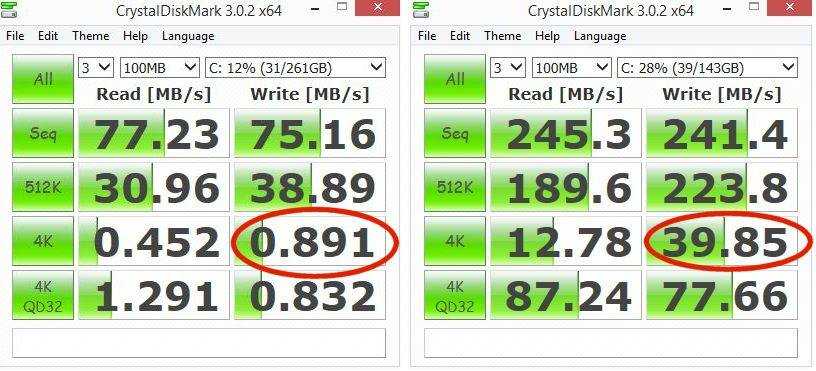 Over 40X improvement in the very important 4K write speed. Superb result!